
Before you begin
You need an existing business and management access.
A specialist profile describes who clients book with. Creating it does not itself give an employee separate workspace access.
Step-by-step guide
Open your business
Find Specialists in your business card. A plus button in the team overview may also open creation.
Create the profile
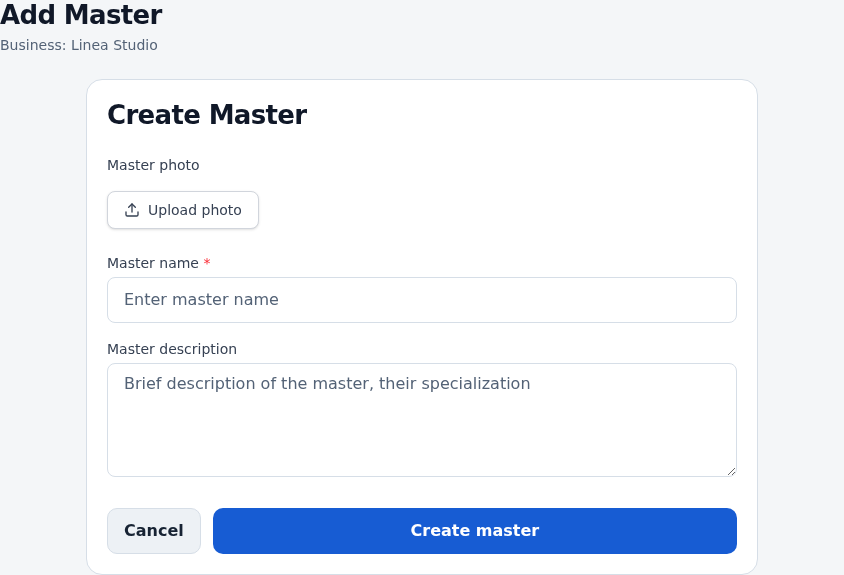
Open Add specialist, enter a name and description, and add a photo if needed. Save.
Set prices
Open the specialist’s price management. Add their services with individual prices and durations.
Set working hours
Open their schedule. Add working days, breaks and exceptions for specific dates.
Check online booking
Open the public link. With multiple specialists, check specialist selection and the displayed services.
Check the result
The specialist has a profile, prices and working hours for appointments.
Questions and solutions
Do I add myself if I work alone?
Yes. Prices and working hours belong to a specialist. The client journey may skip separate specialist selection when there is only one.
The new specialist has no available times
Check their own hours and prices. Another specialist’s settings do not replace these.
How do I change the name?
Edit and save the specialist profile. A name change does not need a duplicate.