
Before you begin
Sign in and prepare a name, address, currency, services and working hours.
Even if you work alone, you need a specialist profile for prices and working hours. Check your account before replacing a missing business with a new one.
Step-by-step guide
Open business creation
Go to Business and choose to add one. You can also start from account settings if you have no business yet.
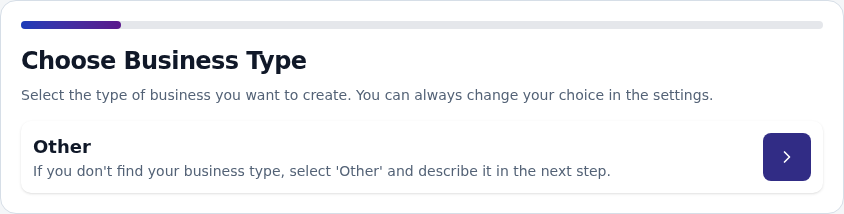
Choose a type and enter details
Choose your business type, name and currency. Add a description and image if needed, then continue.
Add the address
Enter the appointment location. Check the country: it also helps choose a phone country code in the client form.
Create the first specialist
Use the name clients should see. Add yourself if you work alone.
Set services and hours
Add services with prices and durations for the specialist, followed by working hours and breaks. Detailed guides are linked below.
Prepare the public link
Create a link at the online booking step. After setup, open it to check services and times.
Check the result
Your business has a specialist, price list, working hours and public link. Test the client journey before sharing.
Questions and solutions
Can I resume setup later?
Progress is stored in this browser. Avoid clearing its data if you want to resume. Check existing items in Business.
Does each specialist need a business?
No. Add several specialists to one business with their own prices and hours.
The link works but no times appear
Check the specialist’s prices, working hours, service duration, occupied periods and booking rules.